← Back to Projects

UX/UI + Interaction Design

Nova Prompt-Free AI Design Assistant

Nova is an AI design assistant that removes the need for prompts entirely. Instead of waiting for users to ask for help, it pays attention to what they're doing, pauses, repeated actions, hesitation, and steps in with guidance when it actually feels useful.

The goal was to shift AI from something you have to operate to something that quietly supports your workflow.
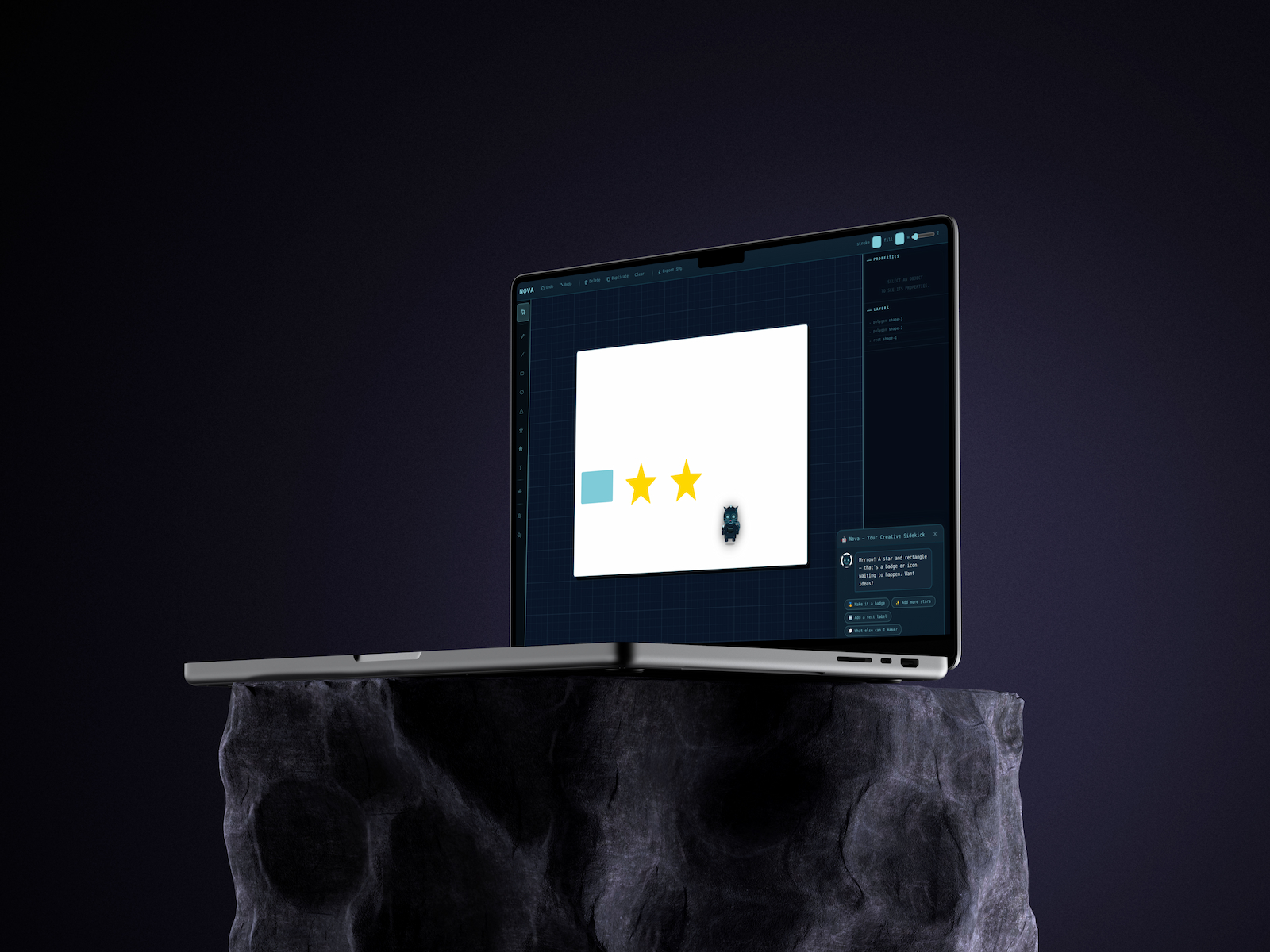
Nova prompt-free AI design assistant hero mockup

Role

UX/UI Designer

Focus

Interaction Design Inclusive Design Prototyping

Timeline

2026

1 — Problem + Role

Beginners freeze at the blank canvas.

Many beginner designers get stuck before they even start.

They're faced with a blank canvas, but the bigger issue is that they don't know what to ask an AI tool or how to ask it. That uncertainty creates friction right at the beginning:

In many cases, users disengage early, not because they don't need help, but because accessing that help takes too much effort.

UX/UI Designer

  • Designed the interaction model for a prompt-free AI system
  • Defined behavioral triggers and how the system should respond
  • Built a functional prototype (HTML, CSS, JavaScript) to test the interaction in real time

2 — The Shift

From Asking to Observing

Key Insight

The problem isn't a lack of interest in AI, it's the effort required to use it.

Instead of asking users to figure out the "right" prompt, Nova flips the interaction model. The system reads behavioral signals and responds accordingly.

It shifts the experience from

"What should I ask?" → "This understands what I'm trying to do."

Without Nova

User stuck, no guidance unless they type a prompt

Cognitive load peaks, "what do I even ask?"

Creative flow breaks, user disengages

AI sits idle until explicitly called

With Nova

Nova observes, guidance appears exactly when needed

Zero prompts, no cognitive effort to get help

Non-modal nudge keeps user in creative flow

AI responds to behavior, always contextually relevant

3 — Solution

Nova replaces prompts with behavioral signals.

Rather than relying on user input, it observes interaction patterns and provides lightweight, contextual guidance directly within the interface.

4 — How It Works

Reading Behavior, Not Prompts

Interaction Flow

User interacts with the canvas
System detects a behavioral signal
Context is evaluated (tool, timing, session behavior)
Nova surfaces guidance inline

Nova Detects 3 Behavioral Signals

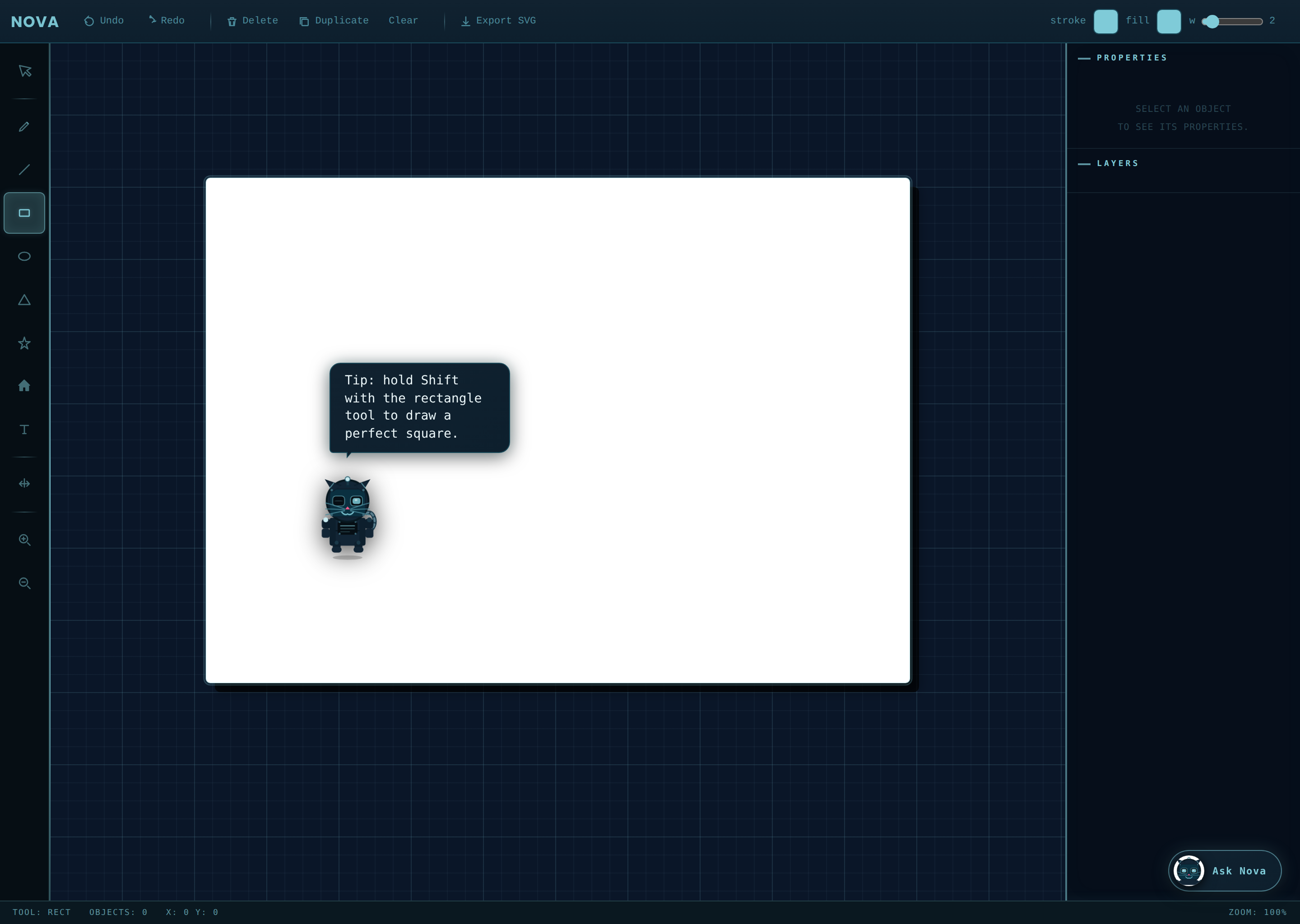
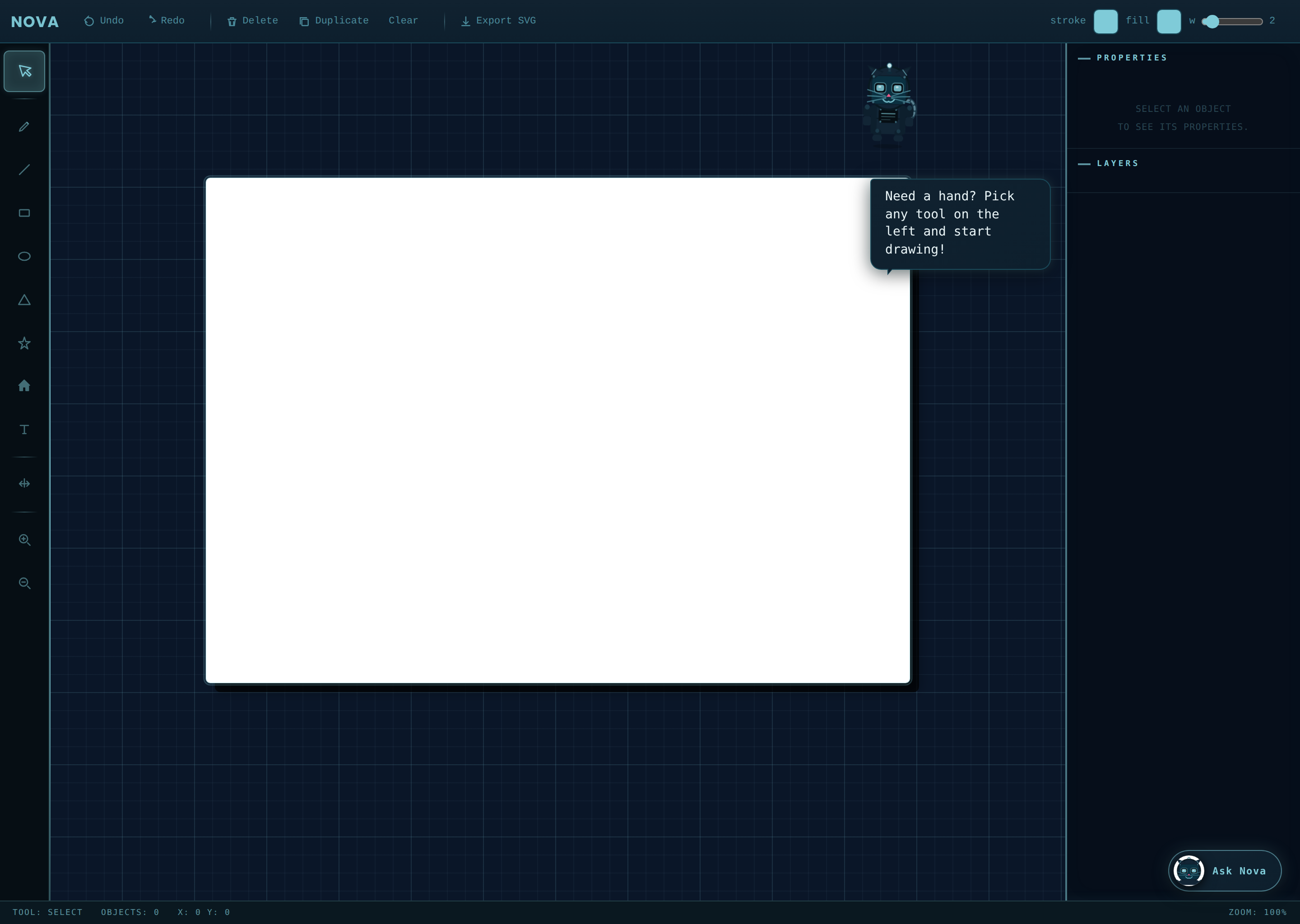
Prototype screen showing Nova detecting inactivity
01
Inactivity
User pauses for 5+ seconds without interaction
Nova Gentle nudge, "Need a hand?"
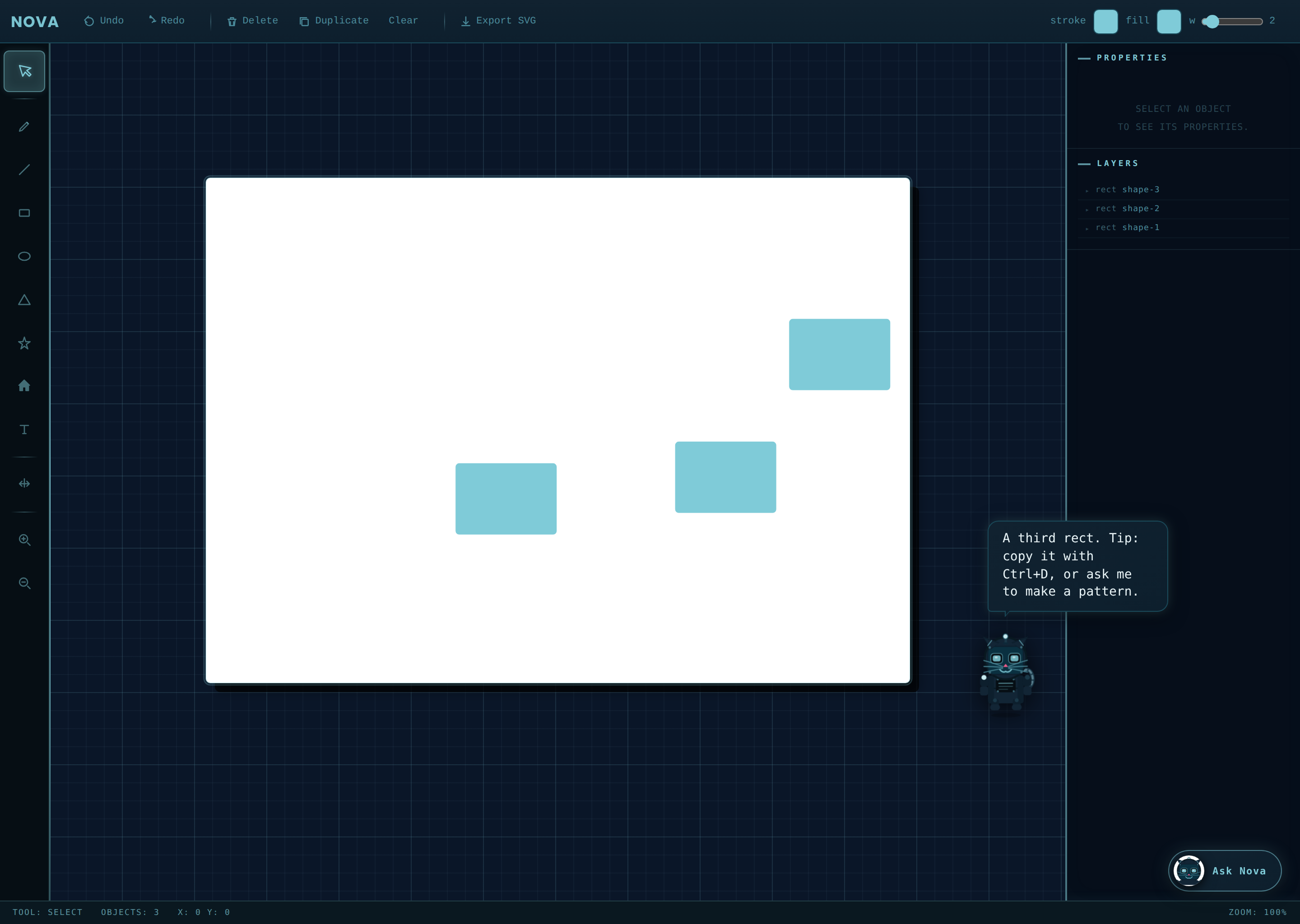
Prototype screen showing Nova detecting hesitation
02
Hesitation
Same action started and undone 2+ times in a row
Nova Contextual tip on current tool
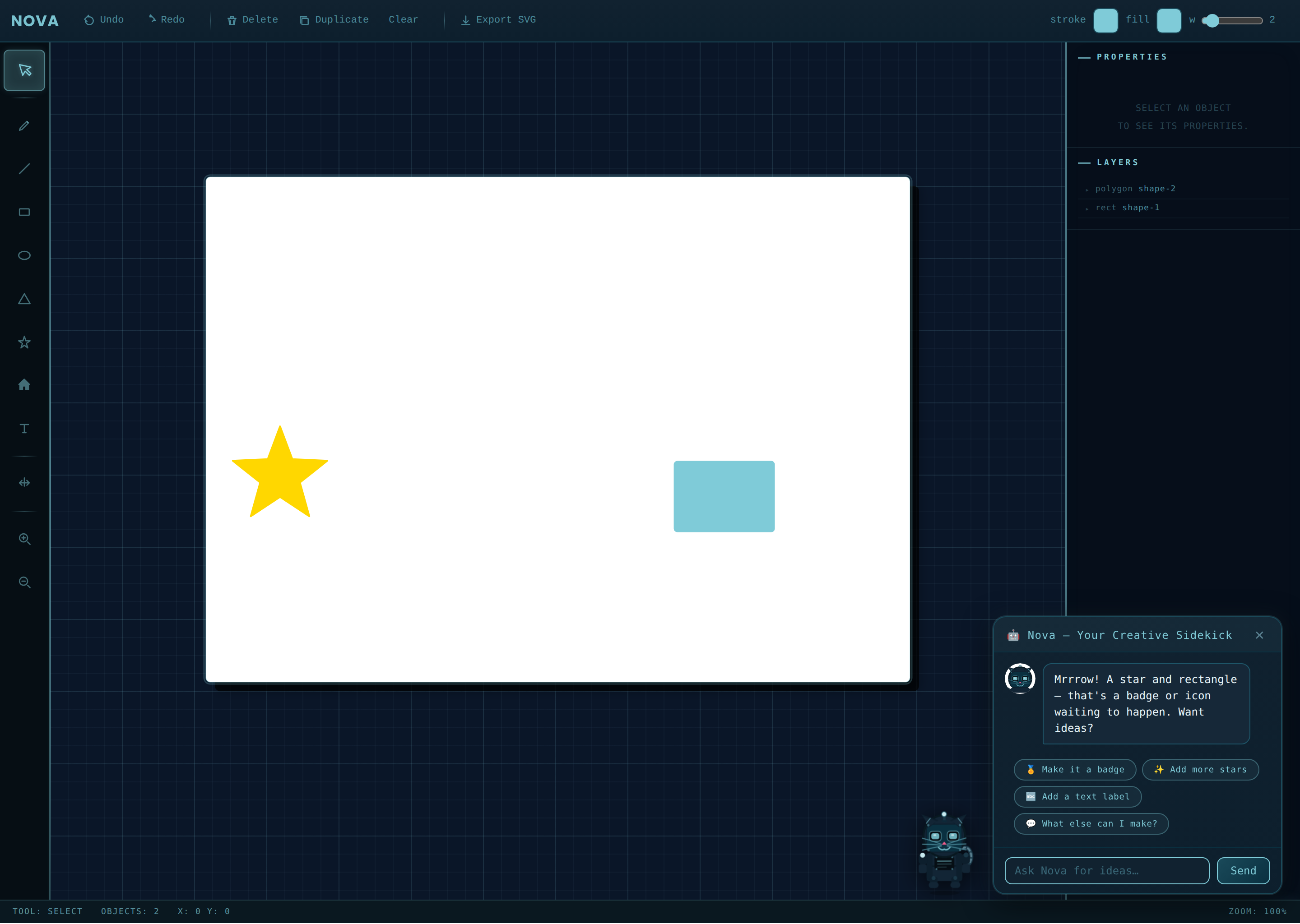
Prototype screen showing Nova detecting repetition
03
Repetition
Same action repeated 3+ times consecutively
Nova Suggests a faster alternative

1 — Behavioral signals (inactivity, repetition, engagement) replace explicit prompts entirely.

Interaction Logic Flow

User
Action
Draws, edits, or pauses in the canvas
Nova
Detects
Signal threshold met, inactivity, hesitation, or repetition
System
Evaluates
Checks tool context, session history, and duration
Nova
Responds
Non-modal guidance appears, user stays in flow

What this looks like

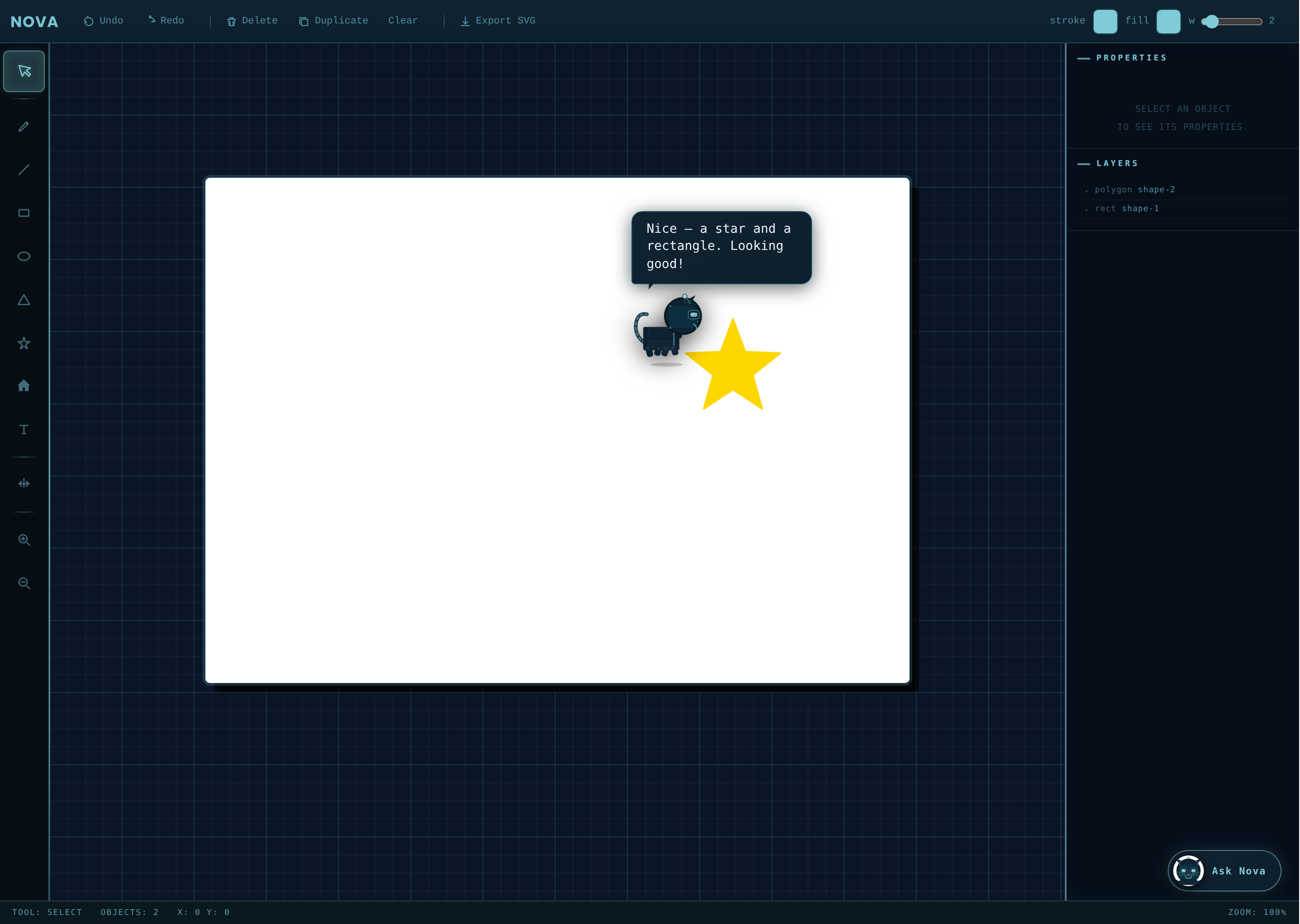
A small inline tip appears in the canvas, no popup, no interruption.

Zero prompts. Nova just knows.

All responses are designed to be

Non-intrusive Context-aware Timed to avoid breaking focus

2 — Interaction logic maps observable actions to contextual AI responses in real time.

Nova non-modal guidance surfacing on the canvas without interrupting flow

3 — Non-modal, low-interruption guidance preserves creative flow without breaking focus.

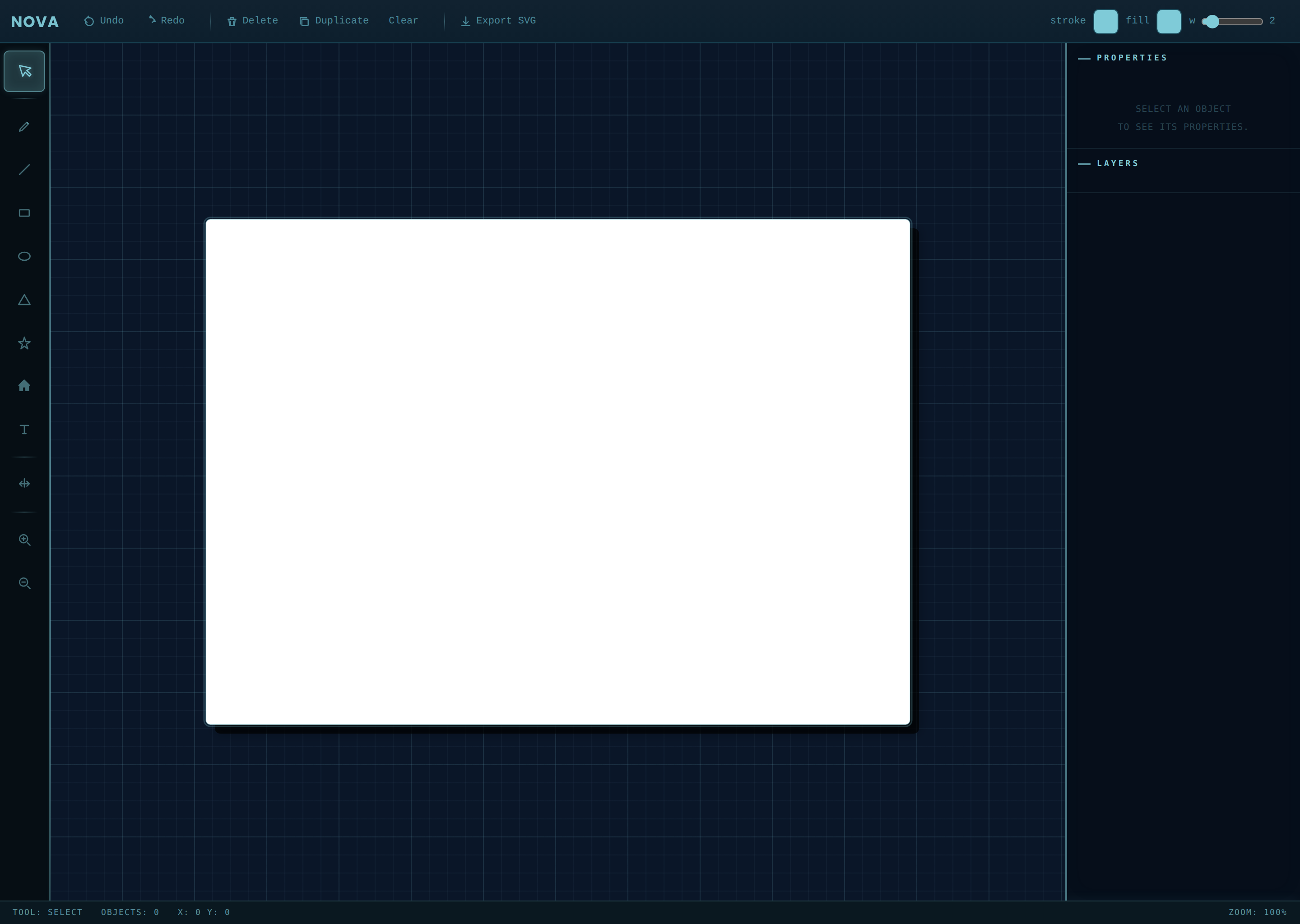
Blank canvas before Nova assists Shapes created on the canvas Nova offering contextual guidance in chat

4 — Functional prototype built in HTML/CSS/JS to validate behavioral design decisions.

5 — Design Principles

What Guided Every Decision

No prompt dependency
Users don't need to type, recall commands, or learn how to talk to the system.
Protect flow
Guidance appears without interrupting the creative process.
Stay out of the way
The UI is intentionally quiet, supportive, but never dominant.
More inclusive by default
Reduces reliance on language, memory, or prior experience with AI tools.

6 — Outcome & Impact

What This Design Proves

Removed prompt friction
Users can get help without needing to figure out what to ask first.
Lower cognitive load
Less decision-making upfront means more focus on the actual work.
Better creative flow
Well-timed, non-modal guidance supports momentum instead of interrupting it.
Validated concept through prototyping
The working prototype showed that behavioral signals can reliably trigger useful, context-aware responses without explicit input.
More accessible interaction model
Helpful for users who struggle with:

Design System

Color & Typography

Color. A muted palette keeps Nova in the background so it doesn't compete with the user's canvas.

Typography. Clear hierarchy and highly readable body text support quick scanning during active work.

Color Palette

#0D1F2D

Background

Deep navy forms the base of the interface, minimizing eye strain during long creative sessions and ensuring shapes, tools, and Nova's guidance stand out without clashing.

#112230

Primary

Dark navy panel, slightly lighter than the background, is used for all surfaces, toolbar, properties, layers, chat, adding subtle depth and hierarchy while keeping a cohesive dark environment.

#1A4A5A

Secondary

Dark teal outlines borders, dividers, and edges, connecting dark navy backgrounds and bright cyan accents to create a harmonious palette from dark to light.

#7FCBD8

Accent

Sky cyan is Nova's signature color, appearing in every UI element, button highlight, eye glow, and section labels. Its consistent use in the UI chrome and Nova's character shows they are made from the same material, not just overlaid.

Design Intent

Nova's palette is intentionally calm and minimal, it should never compete visually with the user's canvas or creative work.

Typography

Display / Headings

Poppins

Poppins gives Nova a modern identity that is approachable yet distinctive, reflecting her personality as a presence rather than a cold utility.

Body / UI Text

The quick brown fox jumps over the lazy dog

DM Mono's monospace rhythm conveys precision and intelligence, emphasizing Nova as a responsive entity that reads and reacts to your behavior, helping her feel at home.

7 — Reflection

What I Learned

One thing this project made clear: the best AI support doesn't feel like a feature.

It's easy to assume more visibility equals more helpful, but in practice, restraint matters more. Timing, relevance, and subtlety made a bigger difference than adding more functionality.

By focusing on behavior instead of input, Nova creates a more natural way to interact with AI, especially for people who are still figuring out how to use it.

Next Case Study

RIT University News →

View Case Study →